
Everything You Need to Know About Instagram’s 2025 SEO Update
In 2025, Instagram quietly rolled out one of the most powerful updates to date. Your Instagram content can now show up in Google search results.
Yes, you read that right.
For the first time, brands and creators can opt in to have their public Instagram content indexed by Google. This is a game-changer for brands who want maximum content visibility!
At Elysia Social, we help businesses and brands unlock the power of visuals and visibility. Keep reading to find out how this update affects your brand, why it's important, how to opt in, and how to optimize your posts for search engines.
Need help making your brand discoverable and beautiful? Book a content consultation here.
Why Instagram’s Google SEO Update Is a Big Deal
Instagram has always been a powerful platform for aesthetics, storytelling, and community. But now, with your posts appearing in Google search results, it's also becoming a major player in search visibility.
Imagine someone searching:
"Luxury candle brands in LA"
"Minimalist skincare packaging ideas"
"Feminine boutiques in Palm Beach"
If your content is optimized, your Instagram post could be one of the first things they see.
This is a game-changer for brands, small businesses, influencers, and creatives.
Want help making your content rank and resonate? Inquire about our social and content packages here.
How Do You Opt Into Instagram Search Visibility?
To activate this feature, follow these simple steps:
Go to your Instagram Settings
Tap Account
Tap Sharing and Visibility
Toggle “Allow Posts on Google”
Don’t see the option yet? Instagram is rolling this out gradually, so keep checking back.
How Do You Optimize Your Instagram Posts for Google SEO?
To take full advantage of this feature, you’ll need to treat your Instagram posts like mini web pages. Here's how to make your content SEO-ready:
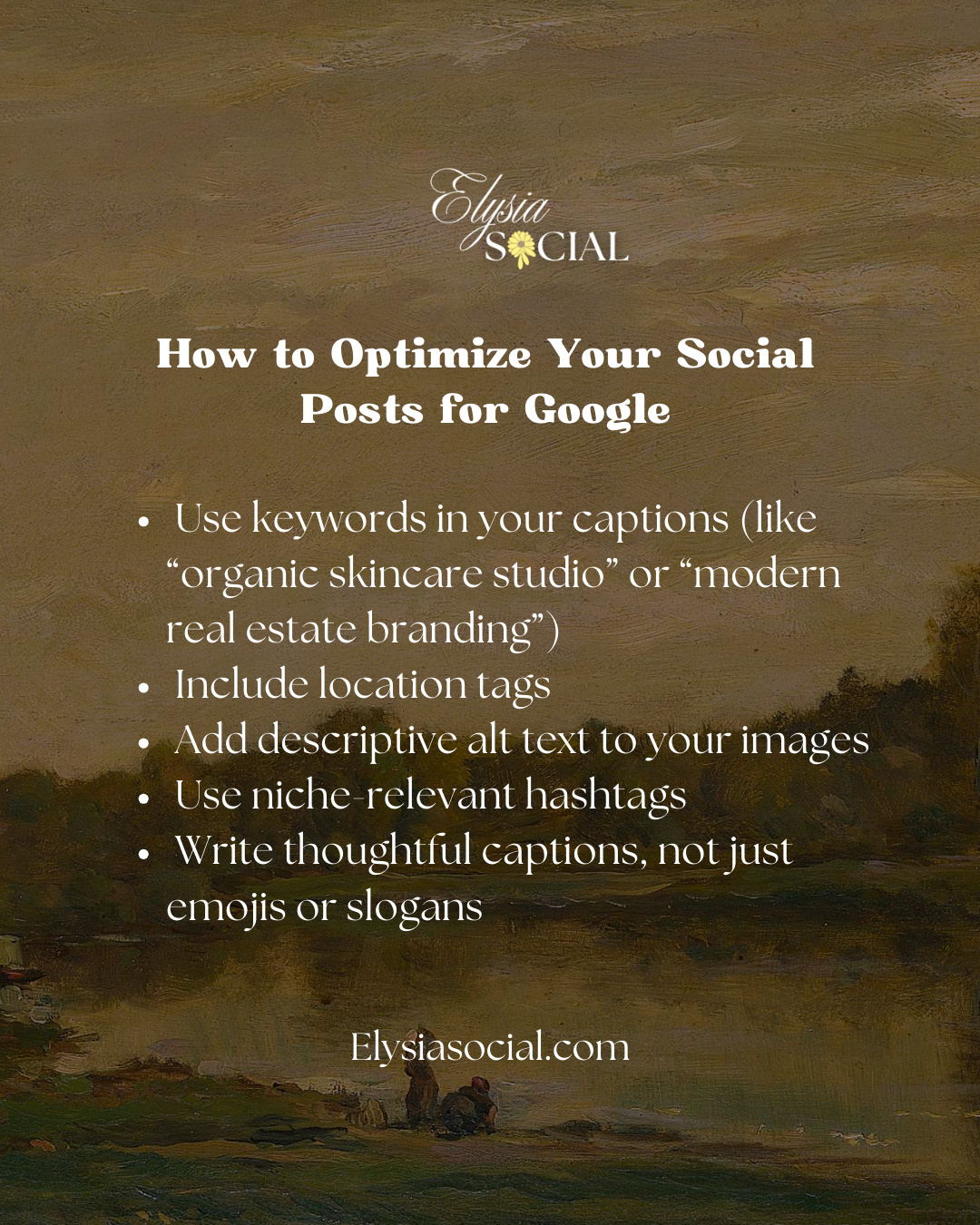
1. Use Strategic Keywords in Captions
Write captions that include search-friendly phrases like:
“Eco-friendly interior design tips”
“Bespoke fashion photoshoot in NYC”
“Branding for clean beauty startups”
The goal is to write like your audience is already searching.
2. Add Descriptive Alt Text
Use Instagram’s alt text feature to describe your photos accurately. This helps Google understand your visual content.
3. Tag Your Location
Geo-tagging is key, especially for local businesses. A post tagged in "SoHo, New York" is more likely to appear for local searches.
4. Use Niche Hashtags
Niche and industry-specific hashtags can increase visibility both on Instagram and in Google search results.
5. Write Meaningful Captions
Avoid short, vague captions. Google favors quality content that offers value. Share real tips, mini case studies, or behind-the-scenes info.
Not sure what keywords to use for your niche? Let us create a custom content strategy for you. Book a strategy call.
Why This Update Matters for Long-Term Growth
Search visibility is one of the most sustainable ways to grow your brand. It brings organic traffic, builds trust, and makes your content work long after it's posted.
Here’s the real win:
You no longer have to choose between SEO and aesthetics. At Elysia Social, we blend the two.
If your Instagram presence isn’t optimized for discovery, you’re leaving reach (and revenue) on the table.
TL;DR — What You Should Do Now
Opt in to Google Search in your Instagram settings
Start writing keyword-rich, helpful captions
Use alt text and geo-tags
Work with a team that understands both creative direction and digital discoverability
Ready to future-proof your brand and be found on Google and Instagram? Let Elysia Social build a custom content strategy that drives real results. Book your discovery call now
About Elysia Social
We’re a full-service creative studio helping luxury brands, startups, and entrepreneurs stand out with content that converts. From ideation and photoshoots to branding, UGC, and web design — we do it for you, beautifully.
And now, we’ll help you rank too.
Let’s get your brand seen, remembered, and Googled. Inquire now.
To optimize your Instagram SEO, explore our services and book a strategy call for a customized content strategy.
Frequently Asked Questions
What is Instagram's 2025 SEO update?
In 2025, Instagram rolled out an update that allows public Instagram content to show up in Google search results when brands and creators opt in to have their content indexed by Google.
How do I opt into Instagram search visibility?
Go to Instagram Settings, tap Account, tap Sharing and Visibility, and toggle "Allow Posts on Google." Instagram is rolling this out gradually, so keep checking back if you do not see the option yet.
How can I optimize my Instagram posts for Google SEO?
Use strategic keywords in captions, add descriptive alt text, tag your location, use niche hashtags, and write meaningful captions that offer value.
Can Elysia Social help with Instagram's 2025 SEO update?
Yes. Elysia Social offers branding, social media management, content creation, paid advertising, website design, and email campaigns. Over 6 years in the industry, serving clients across 20+ industries. Book a 30-minute consultation via HoneyBook to discuss your goals.